How to Use Kakobuy: Beginner Guide for Spreadsheet Finds
How to Use Kakobuy: Beginner Guide for Spreadsheet Finds
If you are new to Kakobuy, the process can feel confusing at first. Many shoppers search for how to use Kakobuy, how to buy on Kakobuy, or how Kakobuy works because they want to understand product links, QC photos, warehouse status, shipping estimates, and spreadsheet finds before placing an order.
This beginner guide explains the basic workflow in a careful and neutral way. Kakobuy Radar is an independent product discovery directory and is not officially affiliated with Kakobuy.
Step 1: Find Products from a Spreadsheet or Category
Most shoppers start by finding product ideas. A Kakobuy spreadsheet can help organize products by category, image, price, and W2C link. This makes browsing faster than searching random links one by one.
You can start with popular categories such as shoes, hoodies, jackets, bags, and accessories.
Step 2: Open the W2C Link
W2C means “Where To Cop.” A W2C link is usually the product source link. After finding a product you like, open the W2C link to review product images, price, details, and availability.
For more explanation, read What Does W2C Mean in Kakobuy Finds?.
Step 3: Review Product Information
Before ordering, check the product title, images, price, available options, sizing information, and any seller notes. Do not rely only on one image or one product name.
Compare similar products before choosing.
Check whether the item matches your style and budget.
Look for clear images and useful details.
Keep in mind that product availability can change.
Step 4: Wait for Warehouse Processing
After an item is ordered, it may need to arrive at the warehouse before the next step. During this stage, shoppers may see different order statuses depending on the platform workflow.
Warehouse processing can involve receiving items, storing them, preparing quality check photos, and waiting for user decisions.
Step 5: Check QC Photos
QC photos help shoppers review product details before shipping. They can show shape, color, stitching, print placement, packaging, and visible flaws. This step is important because it helps reduce uncertainty before sending the parcel internationally.
Read What Are QC Photos in Kakobuy Shopping? and Kakobuy QC Finder for detailed QC tips.
Step 6: Estimate Shipping
Shipping cost can depend on item weight, volume, destination country, shipping line, packaging, customs, and optional services. A shipping estimate is useful, but it may not be the final price.
For more detail, read the Kakobuy Shipping Guide.
Step 7: Submit the Parcel Carefully
Before submitting a parcel, review the items, shipping route, package details, address, and estimated cost. If you are new, it may be safer to start with a smaller order while learning the process.
Beginner Tips
Start with a small haul if you are new.
Use spreadsheets to organize product discovery.
Check QC photos before shipping.
Understand shipping costs before submitting a parcel.
Save order screenshots and important details.
FAQ
How do I use Kakobuy?
Start by finding products, opening W2C links, reviewing details, waiting for warehouse processing, checking QC photos, and estimating shipping before submitting a parcel.
Do beginners need a Kakobuy spreadsheet?
A spreadsheet can make product discovery easier because it organizes products, categories, prices, images, and links in one place.
Are QC photos required?
QC photos are highly recommended because they help shoppers review product details before shipping.
Should beginners place a large order?
Beginners may want to start small while learning the process, shipping costs, QC review, and platform workflow.
Final Thoughts
Learning how to use Kakobuy is mainly about understanding the workflow: product discovery, W2C links, QC photos, warehouse processing, and shipping. A structured directory like Kakobuy Radar can help with product discovery, but shoppers should still review details carefully before ordering.
Popular Products
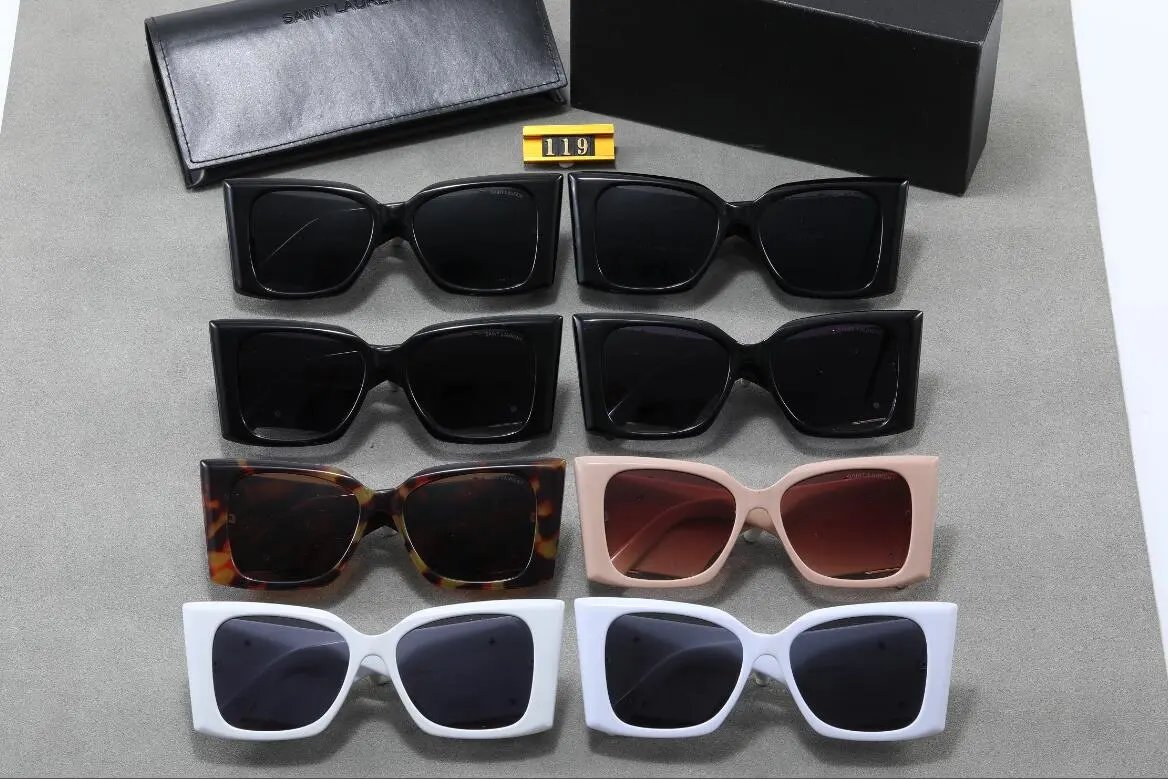
Saint Laurent SL 119 Oversized Square Sunglasses - Black Acetate - 139024
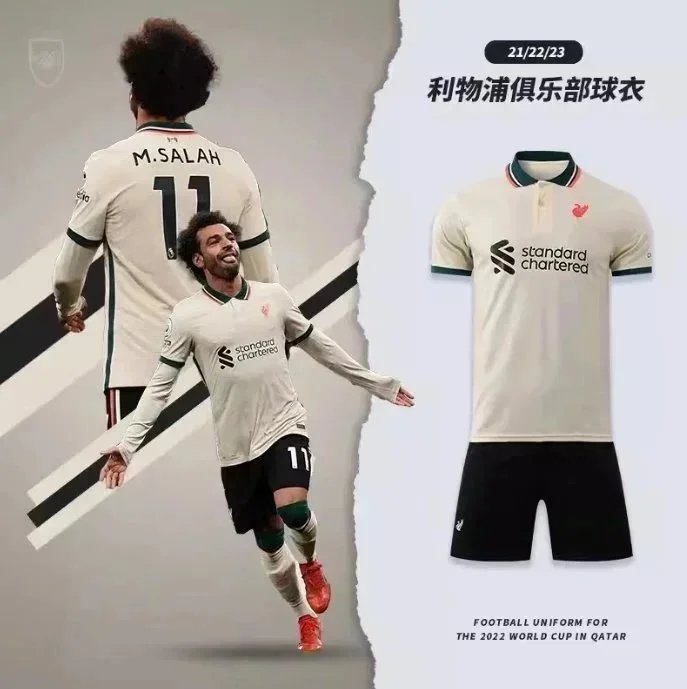
Liverpool 2022 World Cup Away Jersey - Cream with Green Trim - 133234
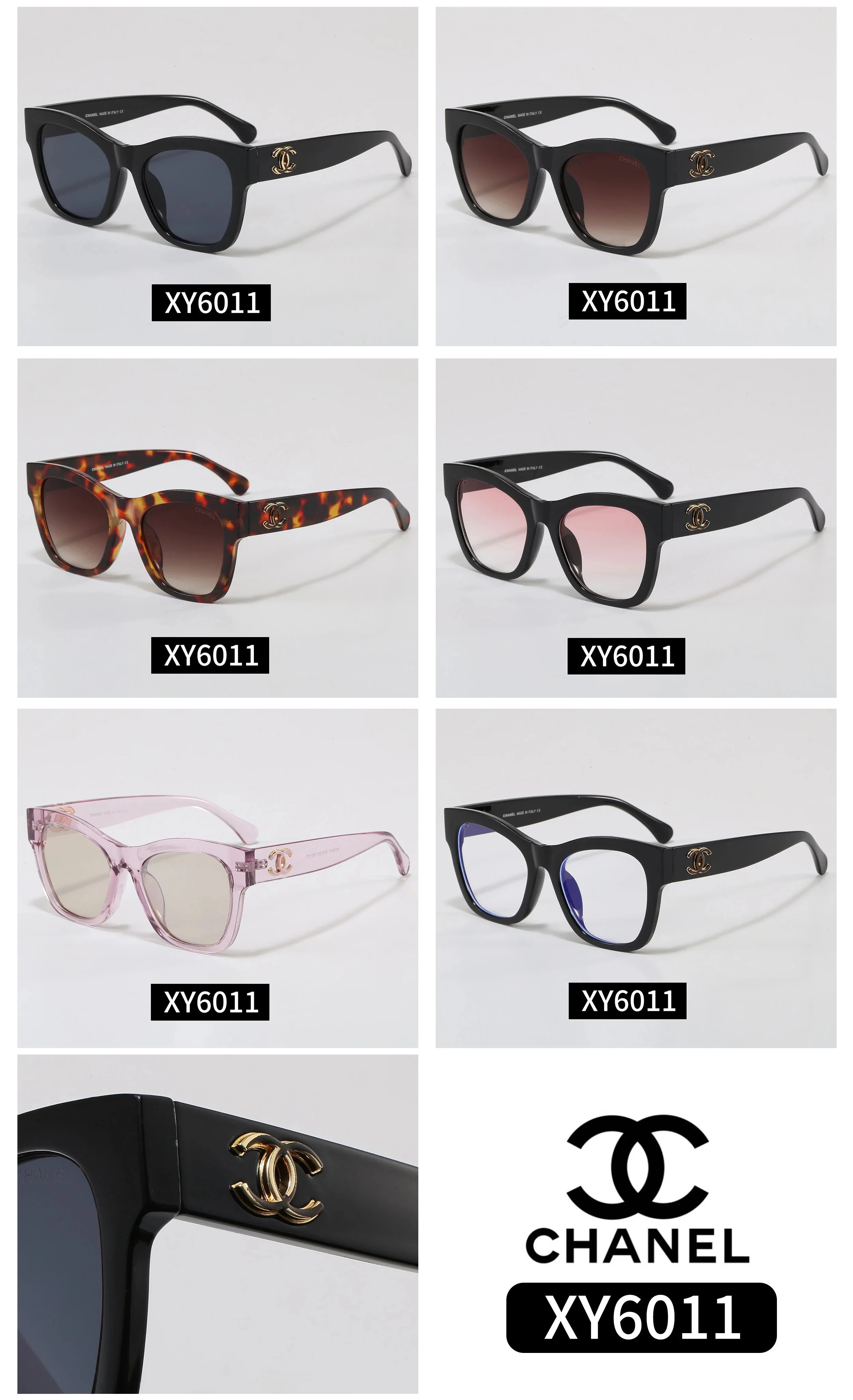
Chanel XY6011 Square Sunglasses with Gold CC Logo - 138815
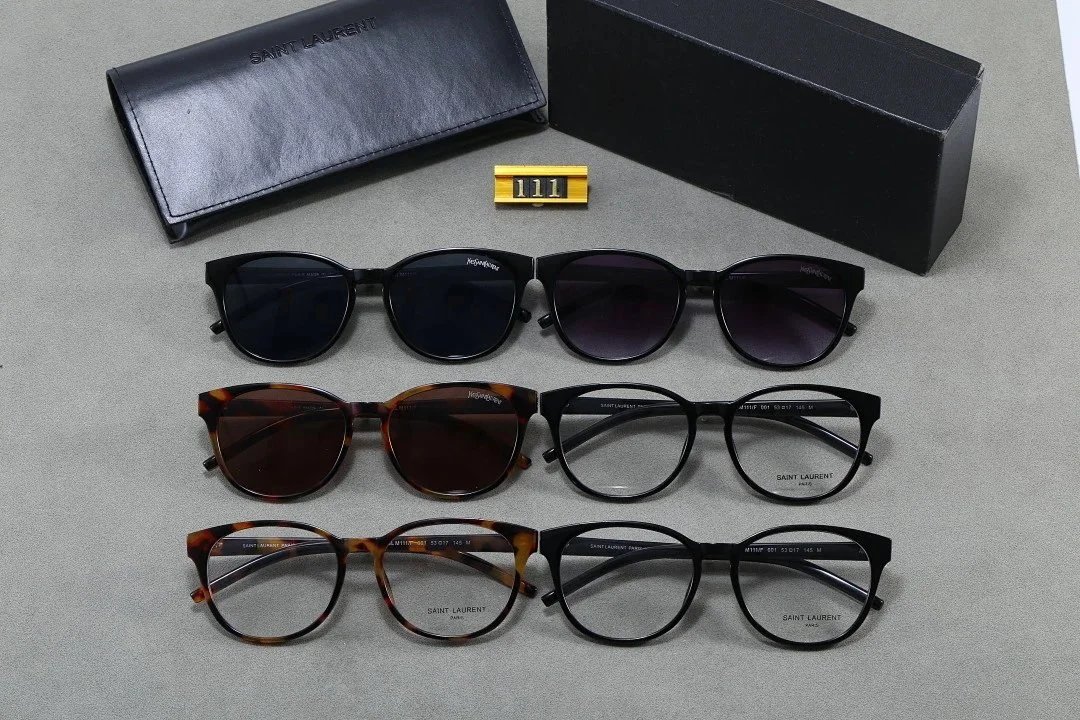
Saint Laurent SL 111 Round Acetate Sunglasses and Eyeglasses Collection - 137990
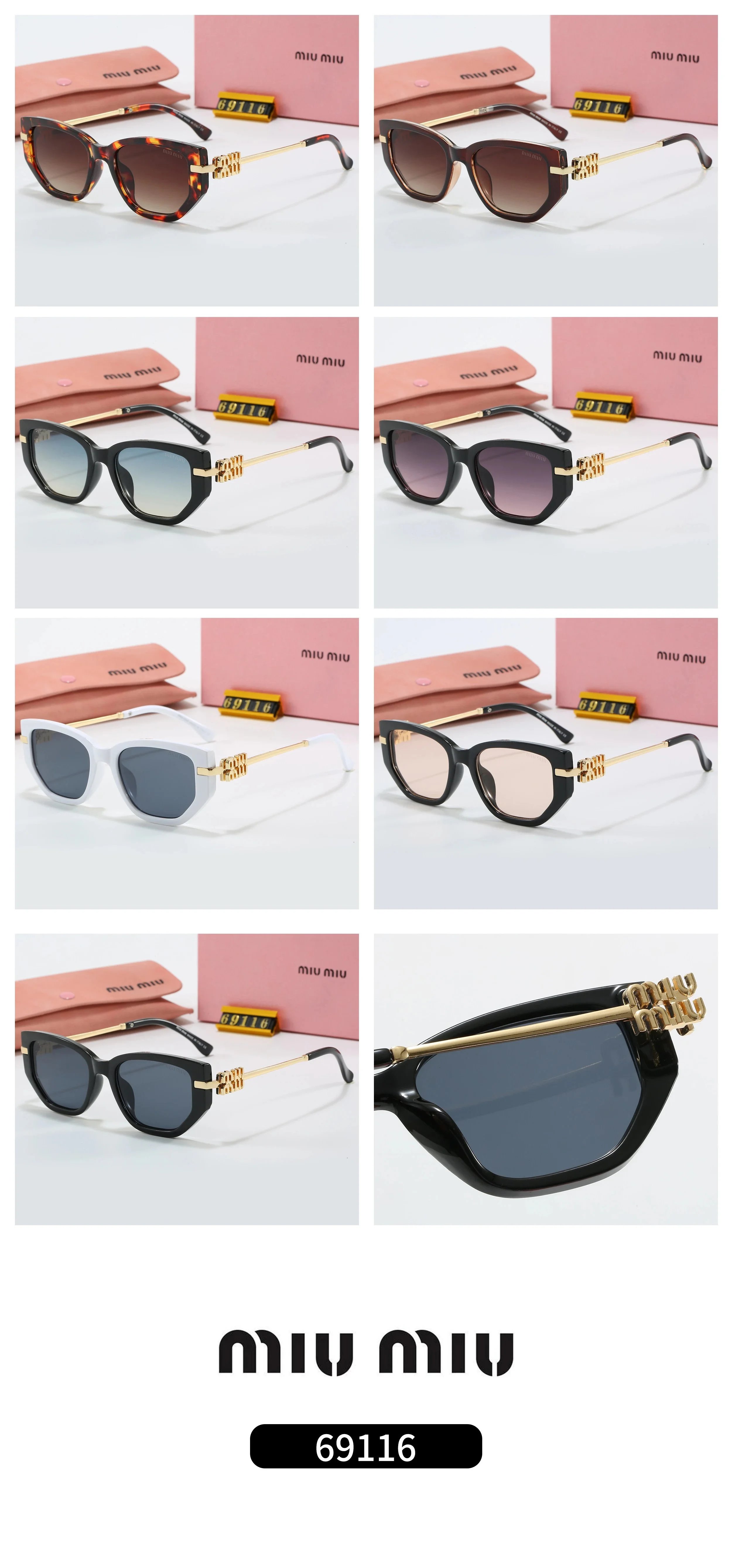
Miu Miu 69116 Geometric Sunglasses with Gold Logo Temples - 137655
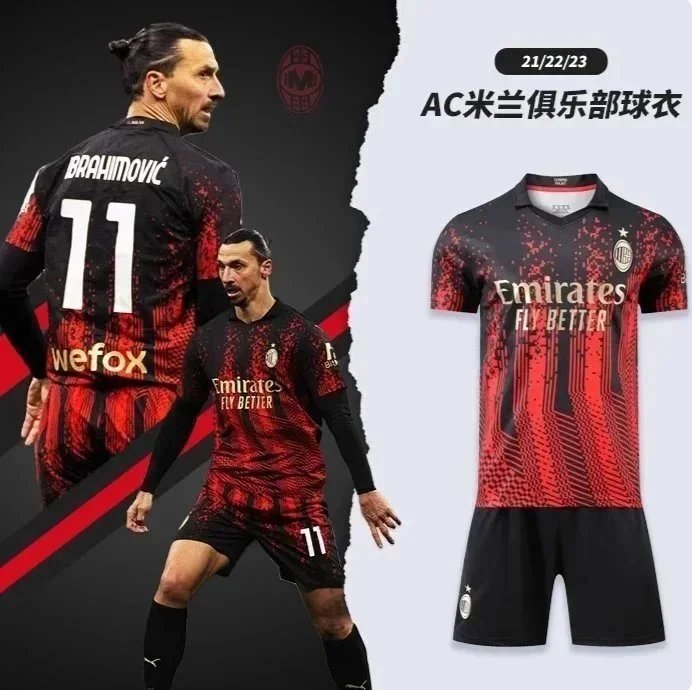
AC Milan 2021-2023 Third Jersey Brahimović 11 Red Black Digital Pattern - 137088
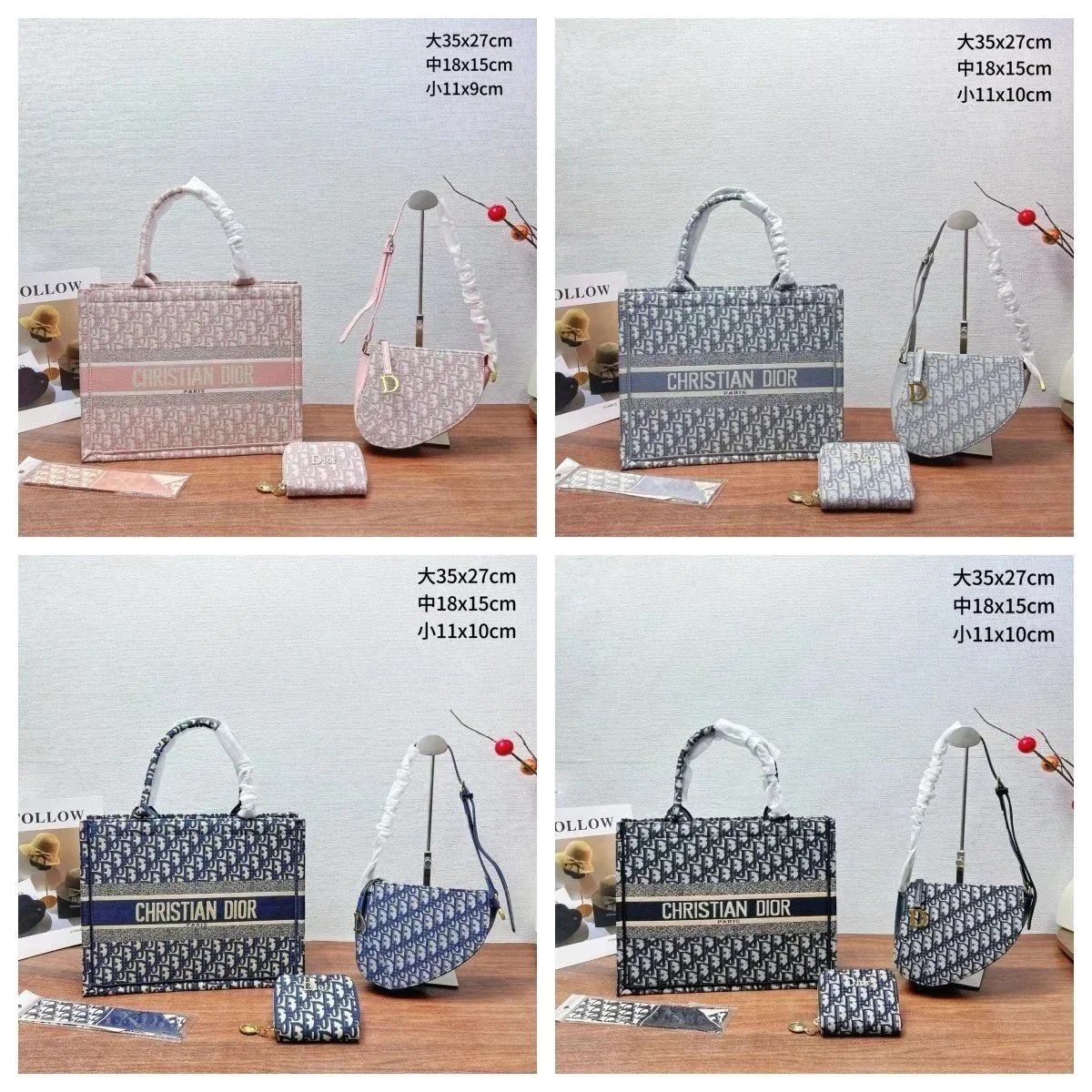
Dior Book Tote Bag with Oblique Pattern and Ruched Handles - 137400